AI Baby Generator
Two photos.
One little what-if.
Imagine a baby inspired by two parent photos. Make a little keepsake, just for the joy of wondering.
Find your favorite styleMade for the joy of imagining. AI keepsakes are fictional, not a prediction of a real child.
A little wonder. Three simple steps.
1
Choose two clear parent photos
One adult per photo, faces easy to see, and permission from both people before anything is uploaded.
2
Pick a look
Browse the styles and choose the mood you want for the keepsake, from calm studio to storybook scenes.
3
Create a keepsake
Review the AI processing consent and the credit cost shown in the app before the image is generated.
Create in the Lulori app, then save a favorite or share a little joy with someone you love.
A little style for every what-if.
Twelve styles, three little worlds: Studio for quiet portraits, Storybook for gentle imagined scenes and Celebrations for birthdays and milestones.
Studio
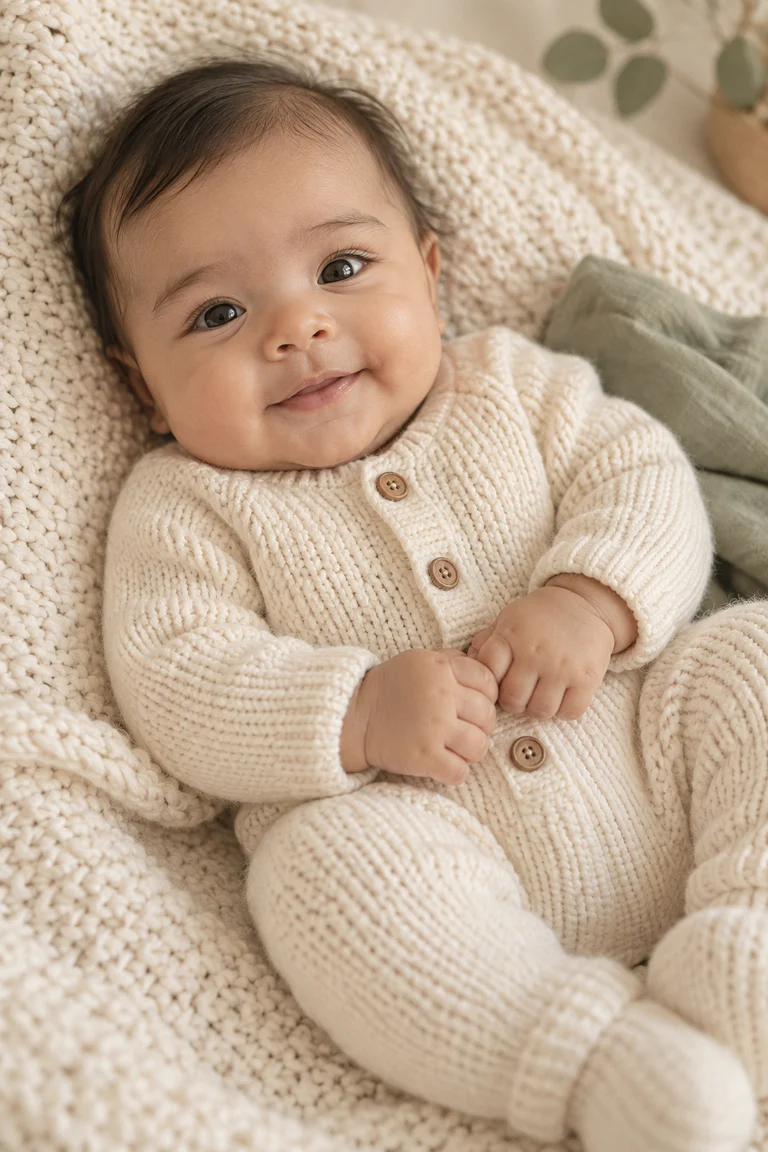
Cream Knit
Soft daylight, warm neutrals and simple textures for a quiet portrait feeling.
Storybook
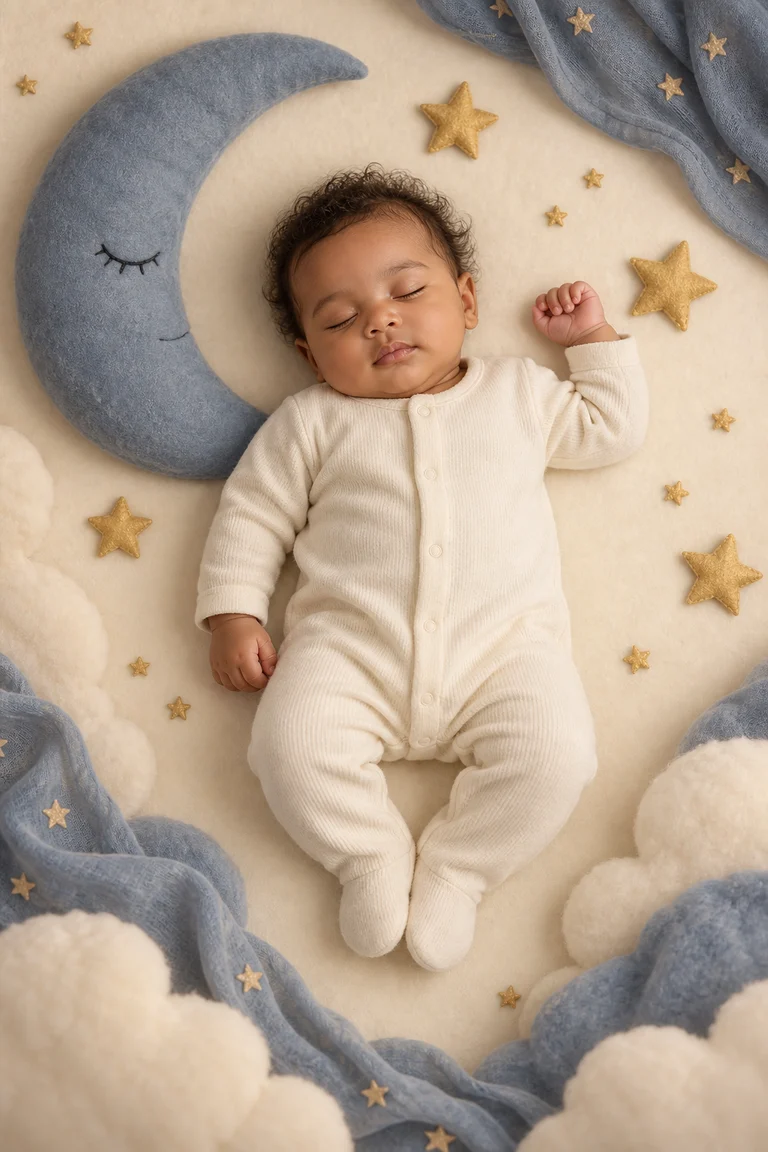
Moon & Stars
A tiny daydream of felt moons, golden stars and soft blue skies.
Celebrations
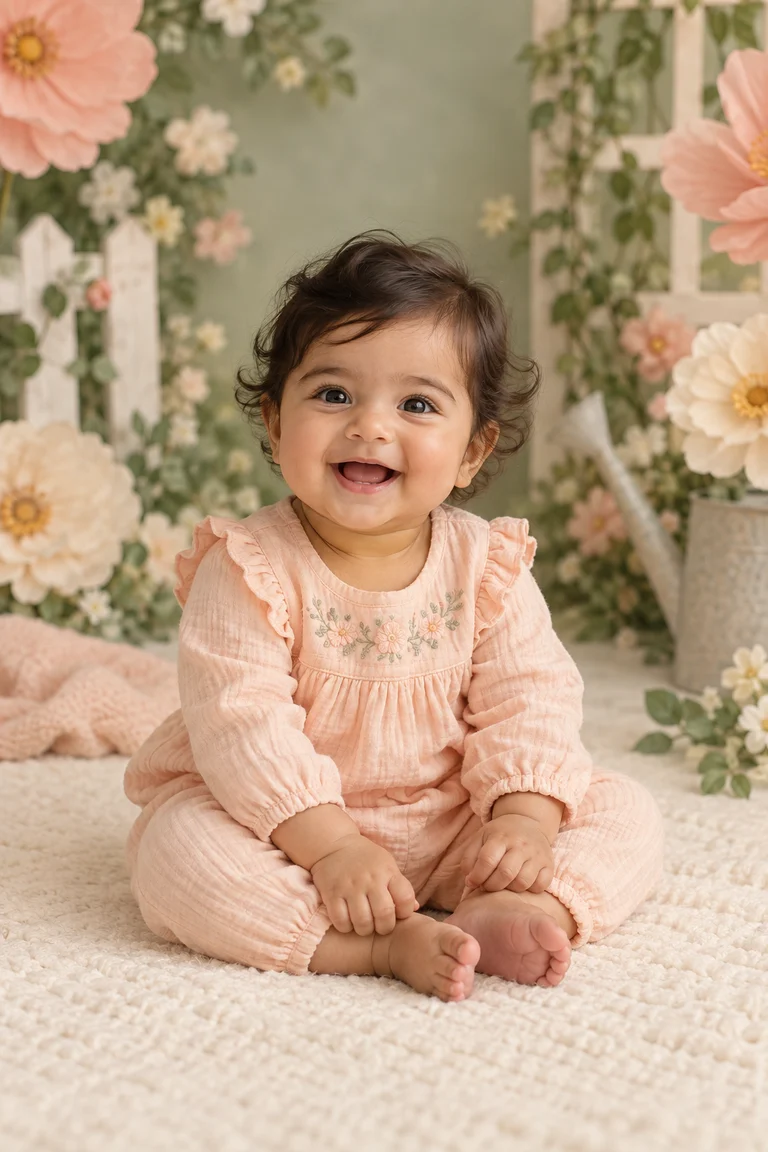
Flower Garden
Bright seasonal sets for birthdays, milestones and small family celebrations.
Already have a little one?
One clear photo of your baby or toddler can become a styled keepsake using the same style families, from cozy studio portraits to playful celebrations.
You need the rights to the photo and parental or guardian authority over the child in it.
Made with care, on your terms.
A separate consent step
AI photo processing consent is asked for separately, before any photo is uploaded for generation.
Controls in Settings
Settings includes AI consent withdrawal and account deletion. Individual images can be deleted from their result screen.
Credits, priced by the store
Generation uses credits. Current prices, offer eligibility and renewal terms are shown by the app store at purchase time.
Questions, answered plainly
Is this a prediction of my future baby?
No. Lulori creates fictional entertainment imagery with AI. It is an imagined possibility, not a genetic, medical or scientific prediction of any real child.
What photos should I use?
Two clear adult parent photos, with only one person in each image, and permission from both people. The existing baby photo templates need parental or guardian authority over the child in the photo.
Can I use a photo of my baby?
Yes. Choose a baby-photo template and add one clear photo of your baby or toddler. You must have parental or guardian authority and permission to use the photo.
Are my photos uploaded?
Yes, but only after you give separate AI processing consent in the app. Selected copies are processed by Lulori service providers, including OpenAI. The Privacy Policy describes this in more detail.
How do credits work?
Each future-baby image or baby-photo template uses one credit. Choose a subscription or a one-off credit pack in the app. All granted credits roll over and remain usable after cancellation. Your store shows current prices, trial eligibility and renewal terms before purchase.
Can I delete my images?
Yes. Delete a portrait from its result screen, or request account deletion in Settings. Stored-image cleanup continues in the background. Images you save or share elsewhere need to be deleted separately.
For the joy of wondering
Your next little what-if.
Two parent photos. A favorite style. A keepsake that starts a lovely conversation.
AI-generated entertainment. Purchases and offer details are shown in the app.